Sharing a Library
Share a library as a public gallery that anyone with the link can view, without an account.
Share a library
- In the left sidebar, expand the library and select Share.
- Turn on Public link.
- Select Copy link and send it to anyone.
Select Open gallery to see what visitors see.
What visitors see
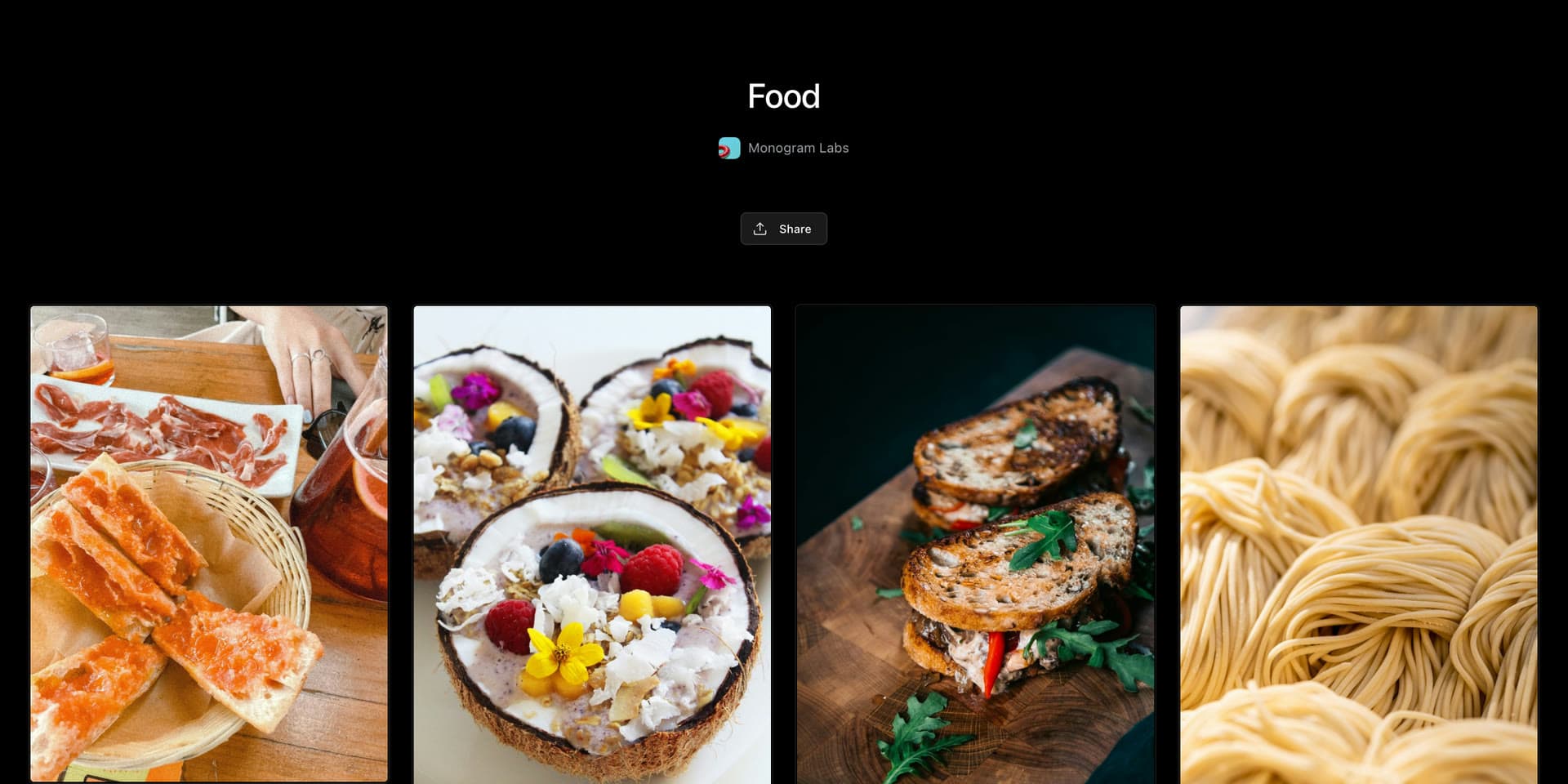
Visitors see the library's name, your organization's name, and the library's original assets. They can open any asset full size and play videos. Tags, comments, and other details stay private.
Anyone with the link can view the gallery, and it can appear in search results. Share a library only when everything in it is ready to be public.
Stop sharing
Turn off Public link in the Share dialog, and the link stops working. If you turn it back on later, the same link works again.
See who visits
Select Analytics in the Share dialog to see page views, asset views, and unique viewers.
Who can share
Library Owners and Editors can share a library.
Public links are included on paid plans.